
Release 64-68

A new overview shows exactly where media is used across the system. Editors can see on which pages and in which components a file is embedded, providing full transparency and greater confidence when managing or deleting media.

Media options can now be edited directly within the editor. All relevant settings are available exactly where content is managed, reducing context switching and significantly speeding up workflows.
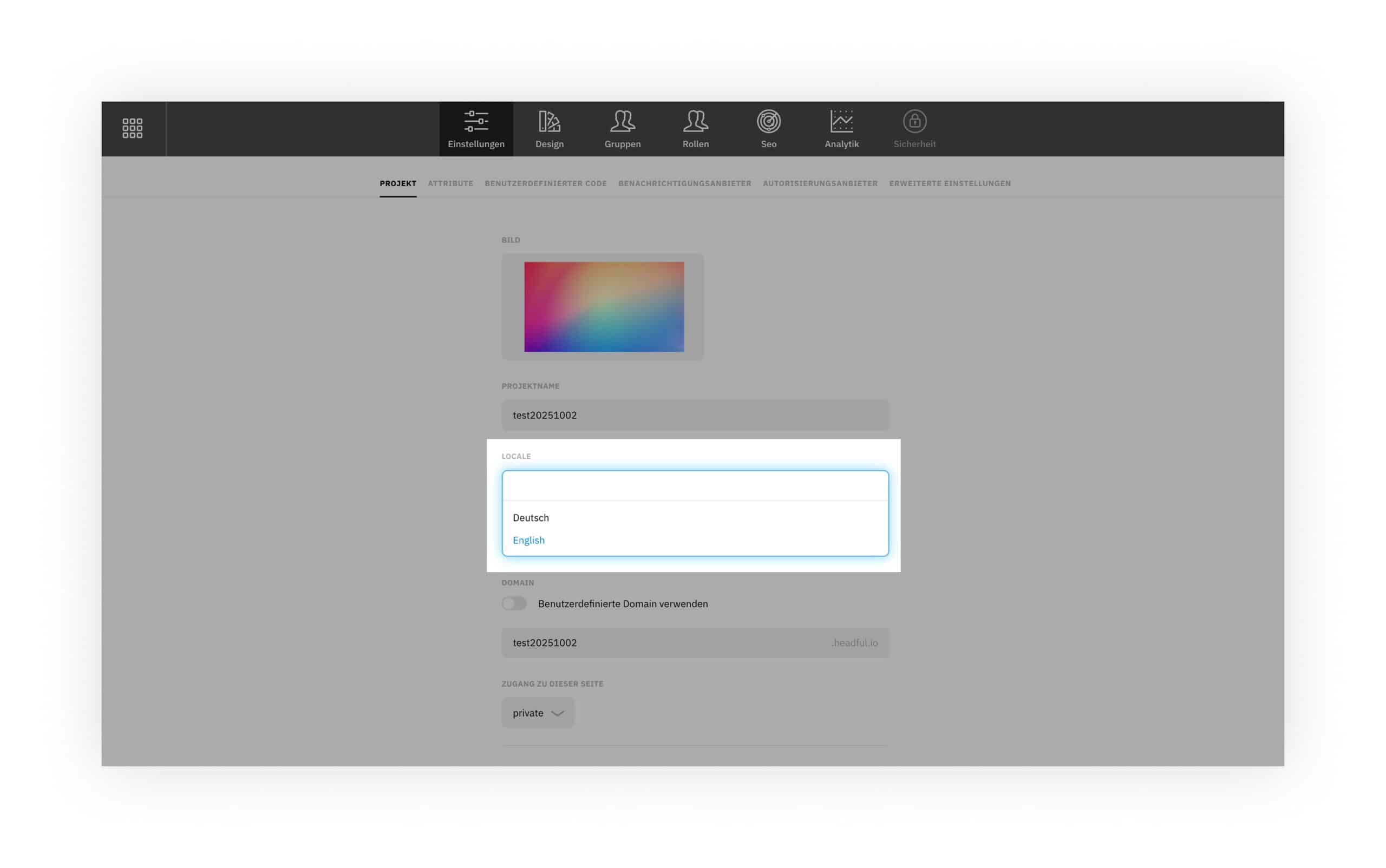
The language for projects and the company dashboard can now be defined centrally. This ensures that system content and automated emails are consistently delivered in the selected language and aligned with the target audience.
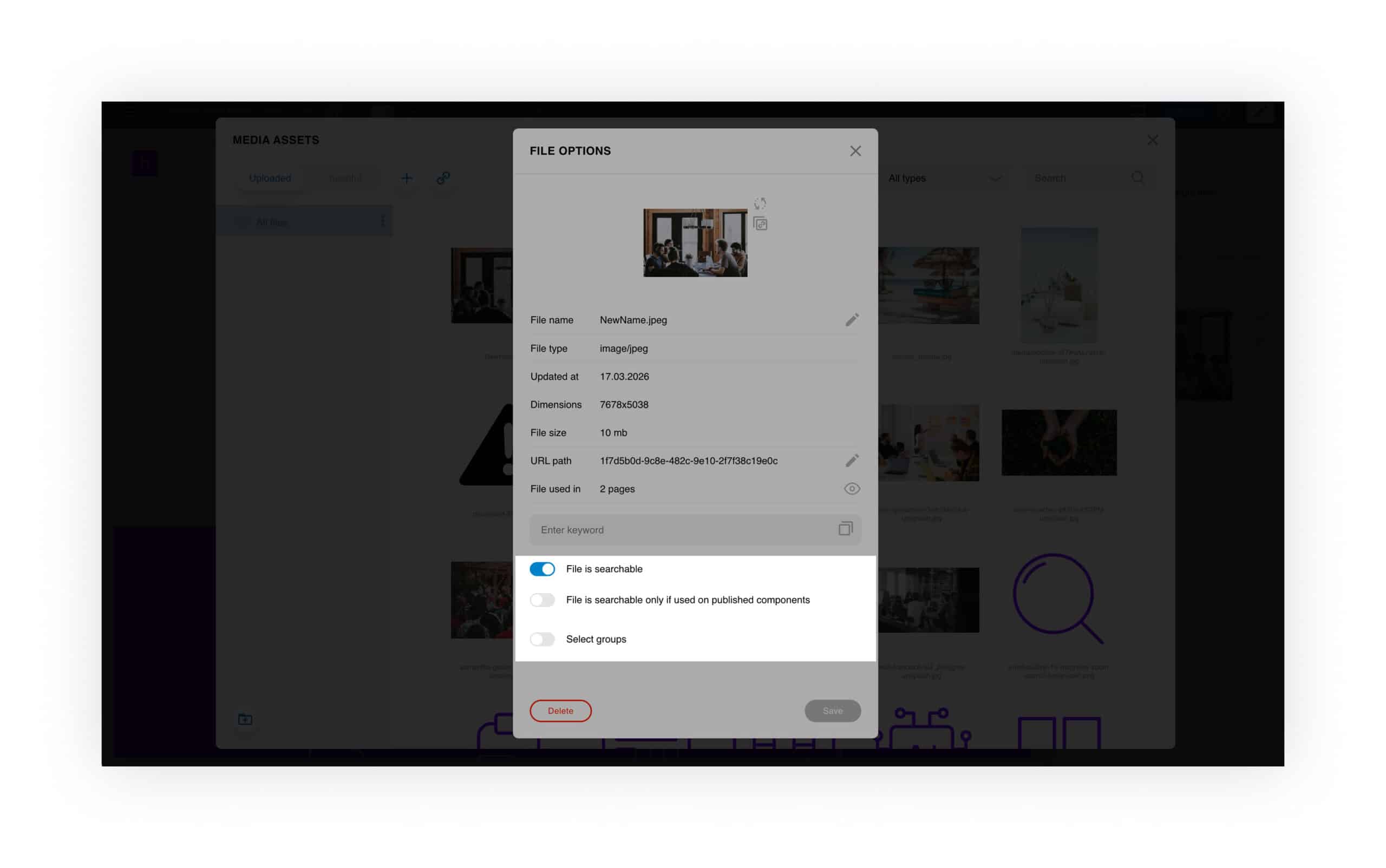
Media is only indexed for search once it is used within published components. This improves the relevance of search results and ensures that unfinished or unused content does not appear in search.
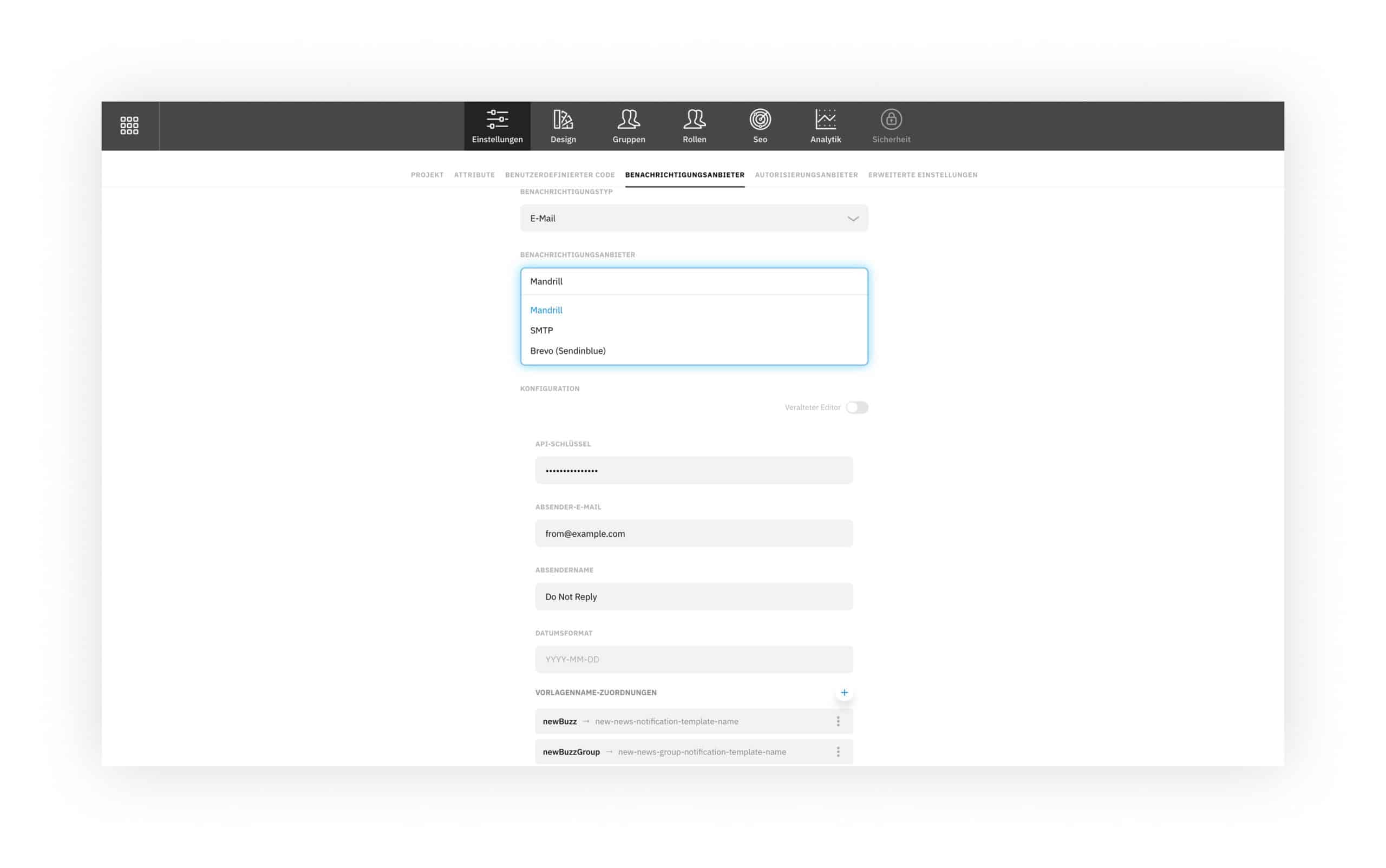
Notification settings have been expanded to support flexible integration with different email providers. Sending options, sender details, and templates can be individually configured and adapted to existing systems.
Component Sharing and Saving
Components can now be saved and shared directly on the page. A contextual menu allows content to be reused or shared with others instantly, improving team collaboration and making content creation more efficient.

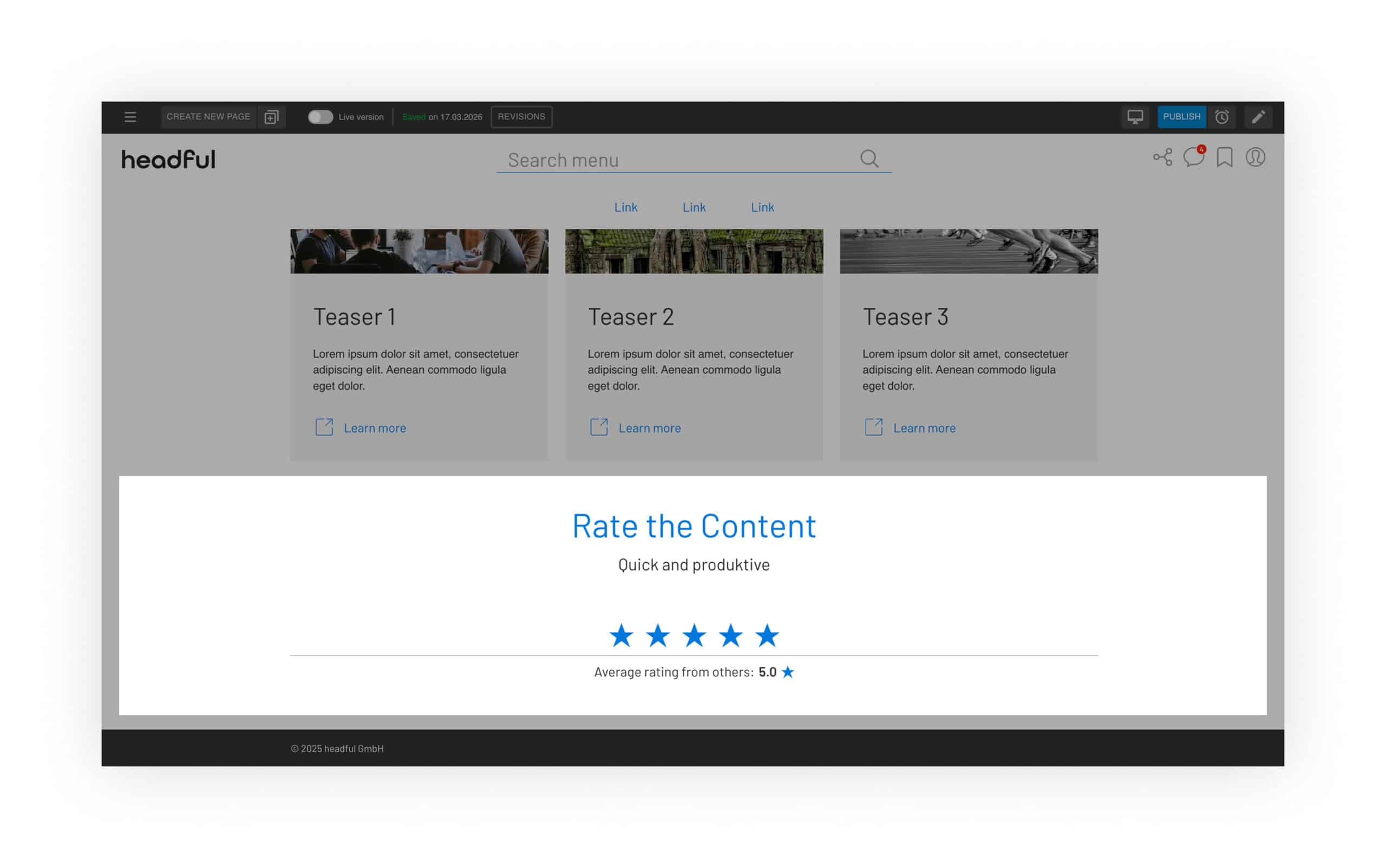
Rating Component
The new rating component allows users to evaluate content directly on the page. This enables quick feedback on content quality and relevance, supporting continuous improvement of the user experience.
Global Components and Slot Placement
Global components can now be managed centrally and placed flexibly within header and footer areas. Content can be consistently displayed across the entire system and positioned in defined slots, simplifying the management of recurring elements.

- Added dashboard setting to define default media indexing behavior
- New category filter in the News Center
- Improved bookmark animations for better visual feedback
- Bookmarks are now available within the editor
- Added default text color configuration
- UI improvements on search pages with multiple components
- Improved mobile viewport and footer display
- Fixed tooltip display issues in table cells
- Improved stability in design settings navigation
- Fixed image cropping in table components
- Fixed display of images within iframes
- Improved management of groups and attributes in the dashboard
- Fixed display of header sublinks
- Multi-teaser preview now correctly displays images
- “Replace Attribute” functionality restored
- Fixed text overlap in login design
- Teaser lists are editable again
- Fixed overlapping text in AI button states
- Restored CSV import functionality for tables
- Fixed issue with saving components as a user
- Improved stability after RTE updates
- Fixed missing key visual subheadline
- Search results now display correctly
- Fixed Azure authentication issues
- Improved device preview for tablet and mobile
- Fixed media display from archive links
- Enabled anchor linking within popups
- Restored video integration in components
- Fixed incorrect mail and phone link generation
- Corrected file usage display
- Fixed popup links leading to incorrect page versions
- Implemented frontend security updates
- Fixed exposed API key issue in notification provider
- Redesigned automated emails
- Improved alignment with login and registration flows
Previous Releases
Coming Soon · Coming Soon · Coming Soon · Coming Soon · Coming Soon · Coming Soon · Coming Soon · Coming Soon ·
Enhancing the tool’s accessibility to ensure it is easy to use for all users, including those with disabilities. This involves implementing features like keyboard navigation, screen reader support, and high-contrast mode to comply with accessibility standards such as WCAG (Web Content Accessibility Guidelines). Additionally, accessibility enhancements can be integrated through third-party tools and services, which specialize in providing advanced accessibility solutions.
Establishing a clear and logical page hierarchy within the tool to improve navigation and user experience. This involves organizing pages in a way that users can easily find information and complete tasks efficiently, potentially through a well-structured sitemap and intuitive navigation menus.
Developing and implementing a search optimization strategy to improve the tool’s internal search functionality. This includes using algorithms to better index content, optimizing search results for relevance, and enhancing the speed and accuracy of search queries to help users find the information they need quickly.
Creating a template gallery that provides users with a variety of pre-designed templates. These templates can be used to streamline workflows, ensure consistency in document and content creation, and save time by providing a starting point for common tasks.
Providing a solution that allows corporate users to access and manage multiple projects within the tool. This could include features like a project dashboard, user permissions management, and seamless switching between projects to enhance productivity and collaboration.
Integrating custom statistical analysis capabilities into headful. This would enable users to generate and view detailed analytics and reports within the tool, providing valuable insights and data visualizations to inform decision-making and track performance metrics.
Implementing integration with third-party tools like Dropbox and Google Drive, allowing users to log in through these services. This integration would facilitate seamless data import/export, enhance user convenience, and improve workflow efficiency by connecting headful with other commonly used platforms.
Developing and launching the new headful 2.0 design to improve the tool’s user interface and overall user experience. This redesign would likely focus on modern aesthetics, intuitive layouts, and enhanced functionality to make the tool more attractive and user-friendly.
Implementing a one-time password (OTP) system for accessing public pages. This security measure would provide temporary, secure access to specific pages, enhancing protection against unauthorized access and ensuring that sensitive information remains secure.
Updating the design of the tool to include rounded corners for UI components. This visual adjustment aims to create a more modern and appealing look, contributing to a softer and more engaging user interface that aligns with contemporary design trends.