Release 58-63
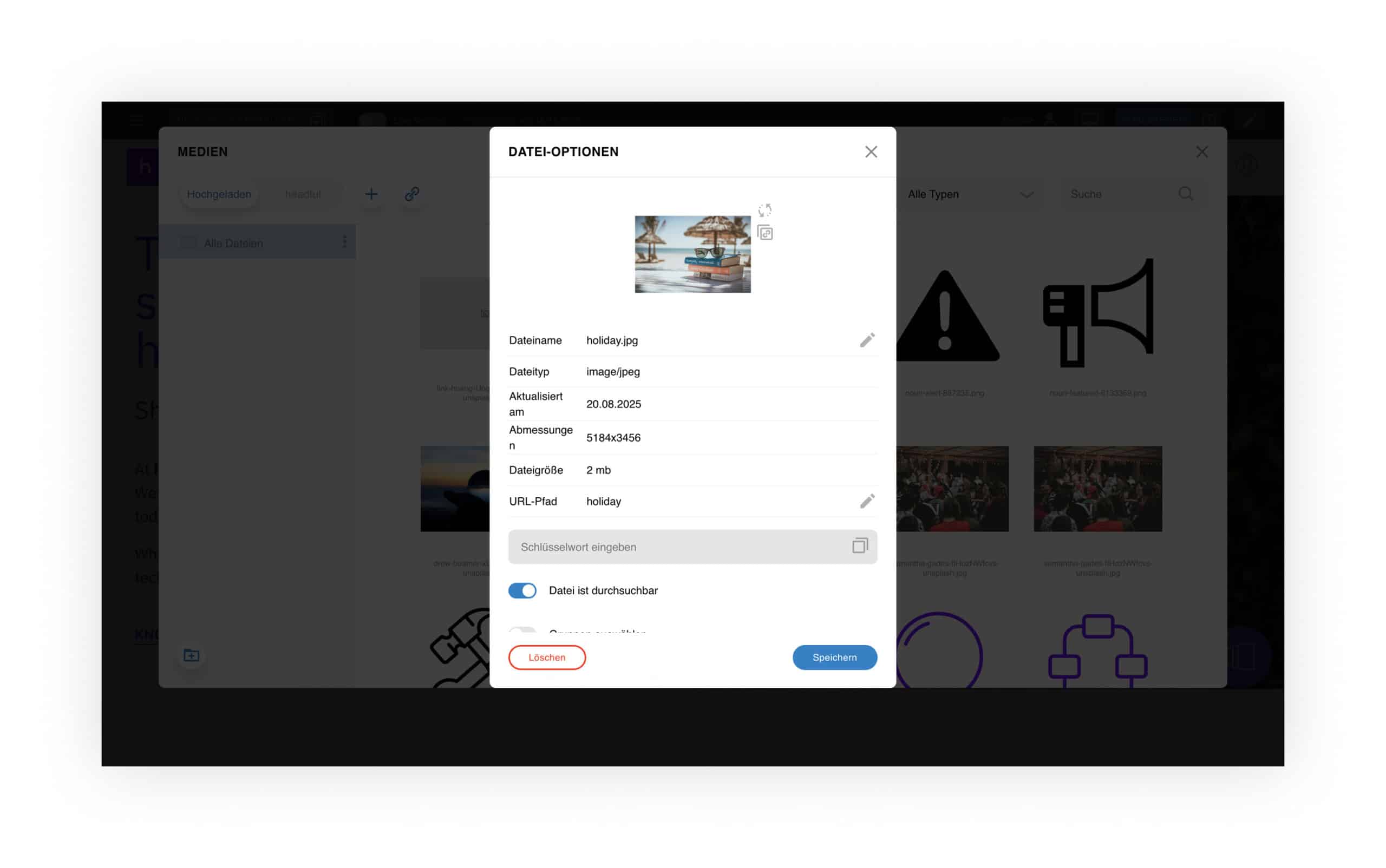
A new function in the media archive allows files to be renamed directly.

A new floating service button can be added across the system. When clicked, it opens a responsive overlay on the right side containing a freely selectable service page.
Features & Behavior:
- Fixed position at the bottom right, remains visible while scrolling
- Shown only on regular pages and in the magazine
- Mobile: opens in full-screen mode
- Displayed only when a valid group version is available for the user
- Icon can be freely selected from the media archive
- The page shown in the overlay is freely selectable and fully responsive
- Overlay includes a close icon and a full-screen icon
- Users can interact directly within the overlay, switch to the full service page, or close the window

A new empty space component is available, allowing configuration of color theme and height. Recommended preset sizes: S / M / L / XL, based on the standard spacing values (1× / 2× / 3× / 4×).
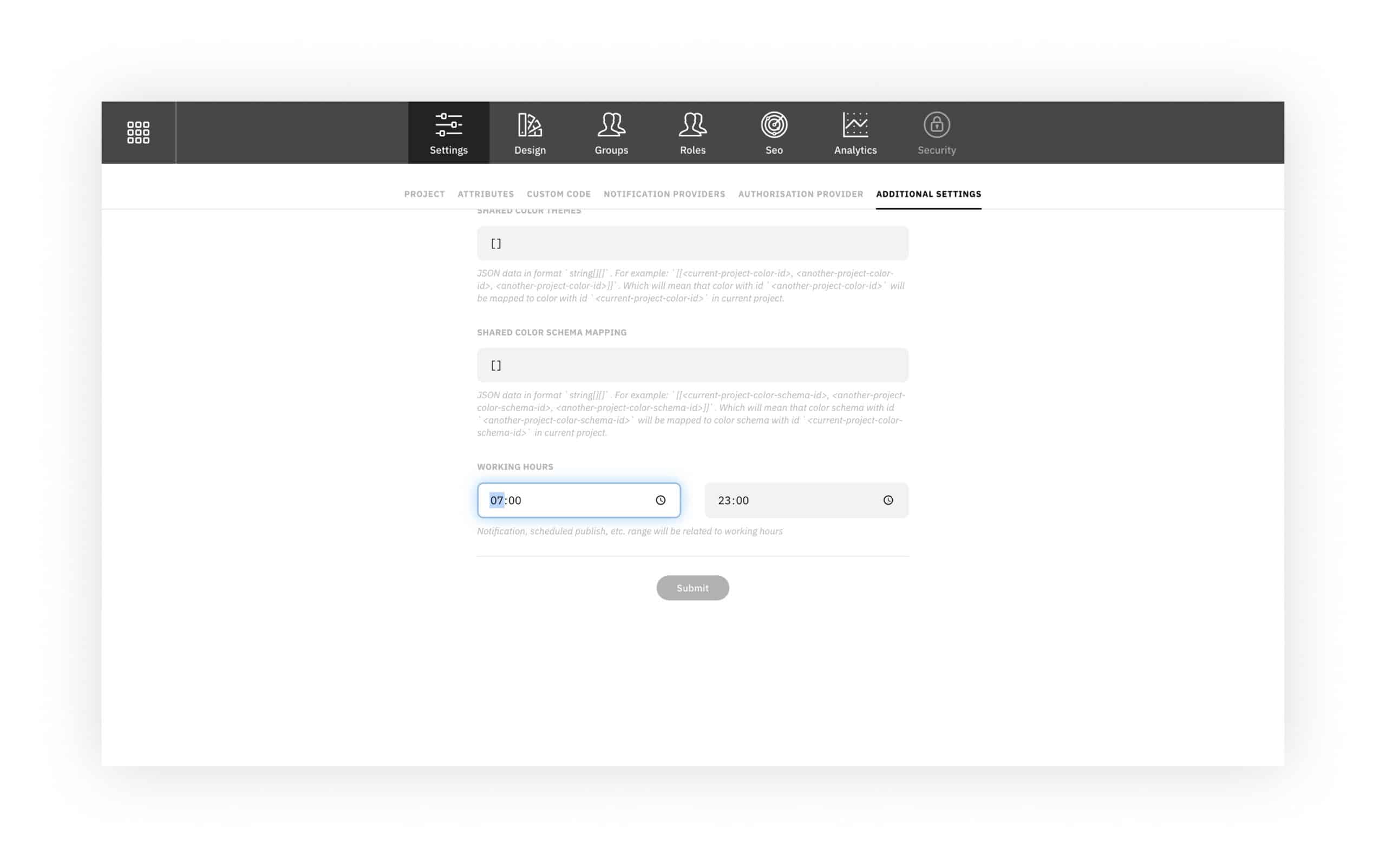
Users can now adjust their personal working hours directly in the dashboard.

A new filter lets users define which document or page types should appear in search results.Supported file types: PDF, images, videos, PPTX, Excel/CSV. Includes a preview function for images, PDFs, and videos.
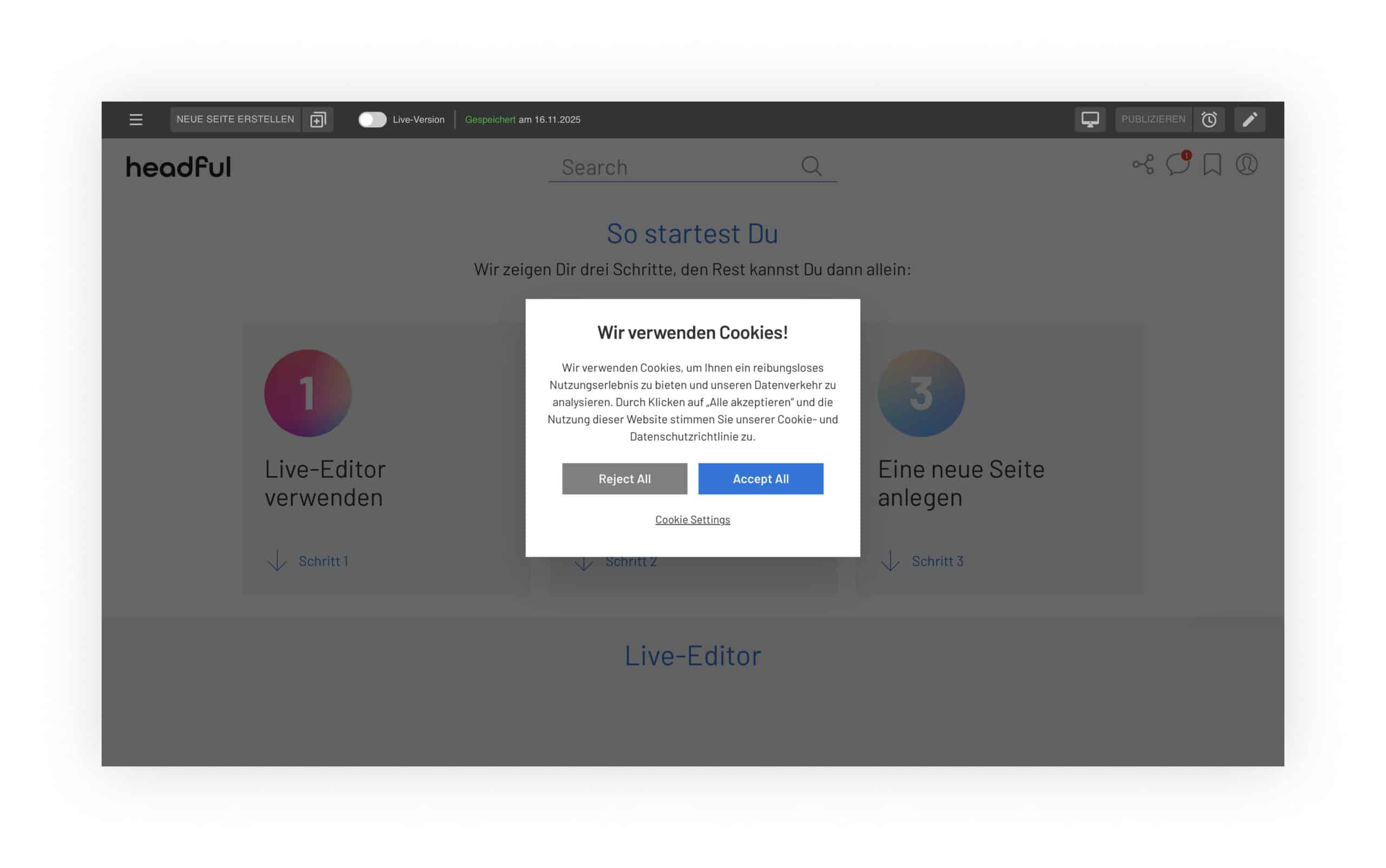
A native cookie banner can now be enabled to ensure your websites remain secure and compliant.
Improved UI/UX with modern design and a simplified registration experience.
Du kannst jetzt copy tag/keyword groups from one page to another using a new quick-access icon.

AI integration in the Text Editor
The editor now includes advanced AI features:
- Generate text
- Shorten or extend content
- Adjust tone of voice
- Use custom prompts
These tools assist with fast, high-quality content creation and optimization.
- Feedback Module Enhancements User groups can now be automatically attached to submitted feedback, making it easy to identify its origin.
- Push-Benachrichtigungen Push notifications are now enabled by default for the News Center.
- Color Themes New color themes available for group versions and the feedback module.
- Custom fonts can be uploaded again
- Search results are displayed correctly again
- Tables are editable again
- The search icon is displayed again on mobile
- Tags are no longer deleted after renaming in the media archive
- Videos in the text media component are displayed correctly again
- The dashboard button works properly again
- Tags are shown correctly again in search results
- System images are fully available again
- Pages reload correctly again after creating a new project
- Groups are no longer reset after renaming
- Page versions are searchable again without affecting others
- Replaced files are displayed correctly again in the media archive
- Search access is fully restored for all users
- Unpublished global components work correctly again
- Group exclude settings function reliably again
- The feedback module is displayed correctly again
- The publish button shows the correct status again
- The time zone is set correctly again
- Tables can be edited again
- Links can be added again to components (e.g., table, multi-teaser)
- Text in the editor can be colored again
- Scrolling in the enlarged editor works again
- The “white screen” error after disabling the live version no longer occurs
- Tags with special characters copy correctly again
- The UI in the service info displays correctly again
- Component spacing is calculated correctly again
- Custom components can be added again
- Library updates throughout the system for improved stability, security, and performance
- Kubernetes successfully updated
- Apollo updated